Introduction
The Specified Model Interface provides a standard way to access ontology-aligned data in formats like CSV or JSON, allowing external tools to interact with the data without needing to understand the underlying ontologies.
Overview
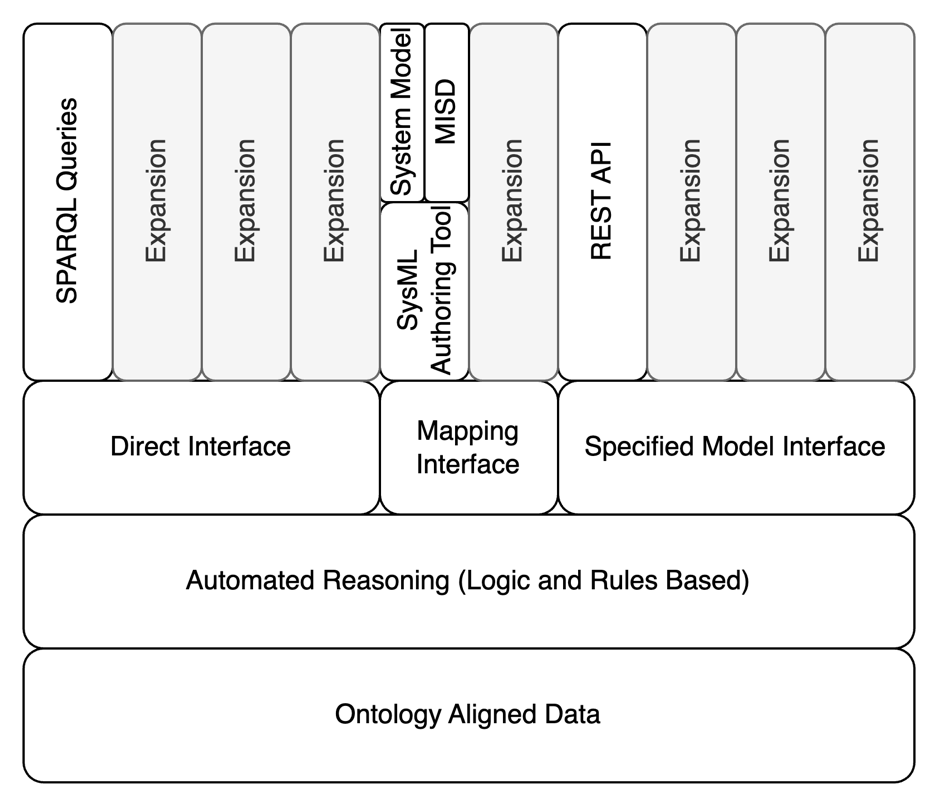
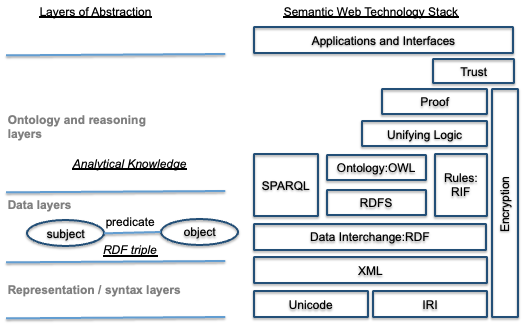
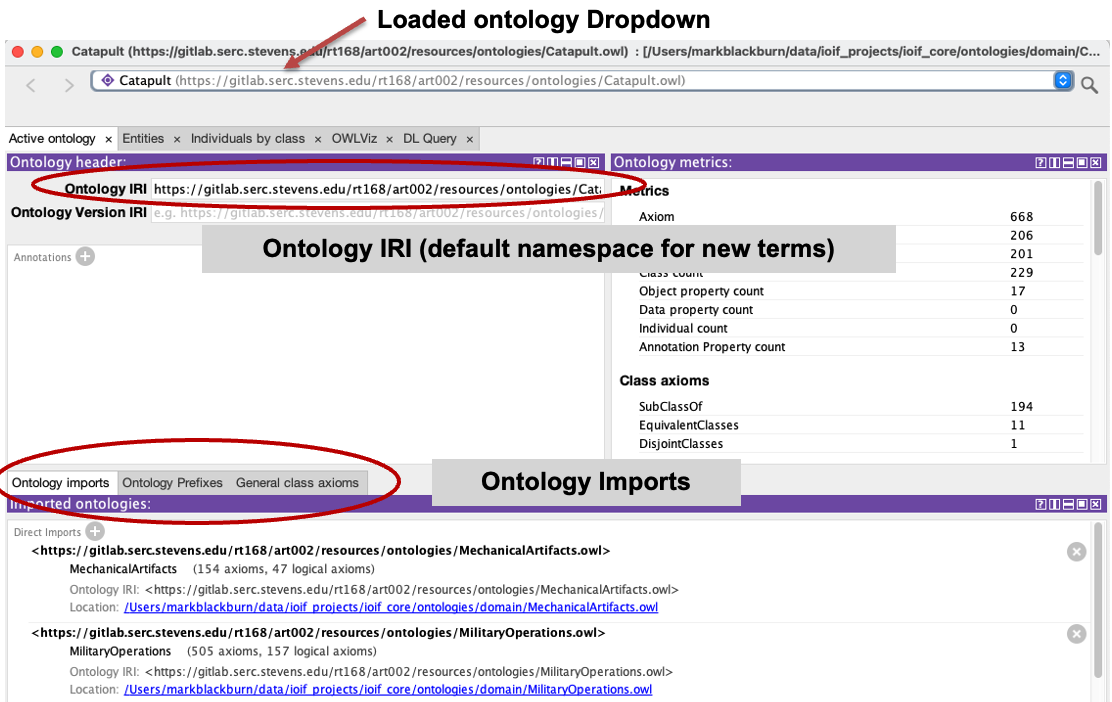
The Specified Model Interface is one of three interface types defined in the Digital Engineering Framework for Integration and Interoperability (DEFII). It enables tool-independent access to ontology-aligned data by packaging elements from the ontology and presenting them in standard formats. This interface type starts with the ontology-aligned data and works outward to external tools, contrasting with the Mapping Interface (which starts with the tool/model and maps to ontology) and the Direct Interface (which uses direct invocation of the SWT stack).
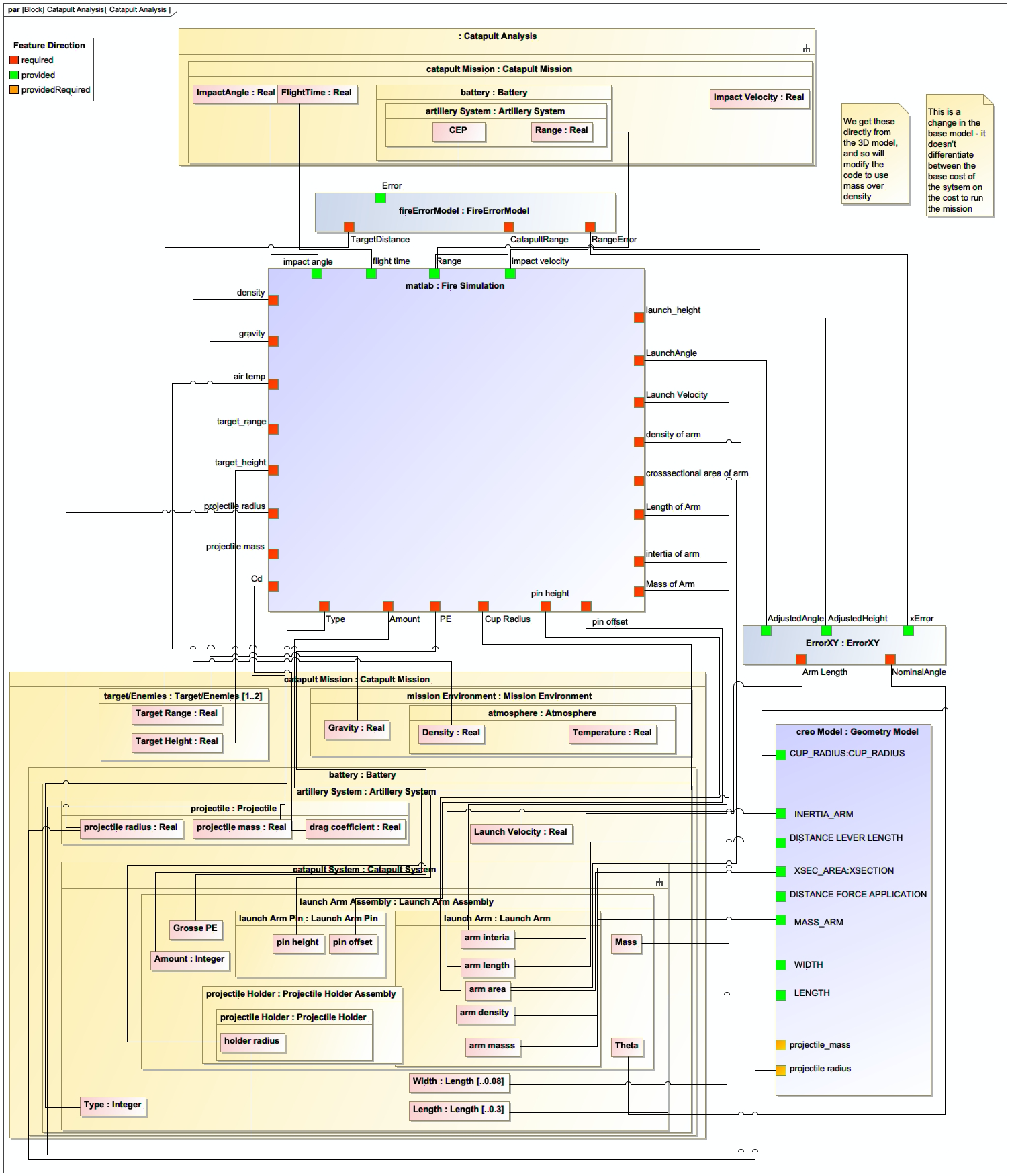
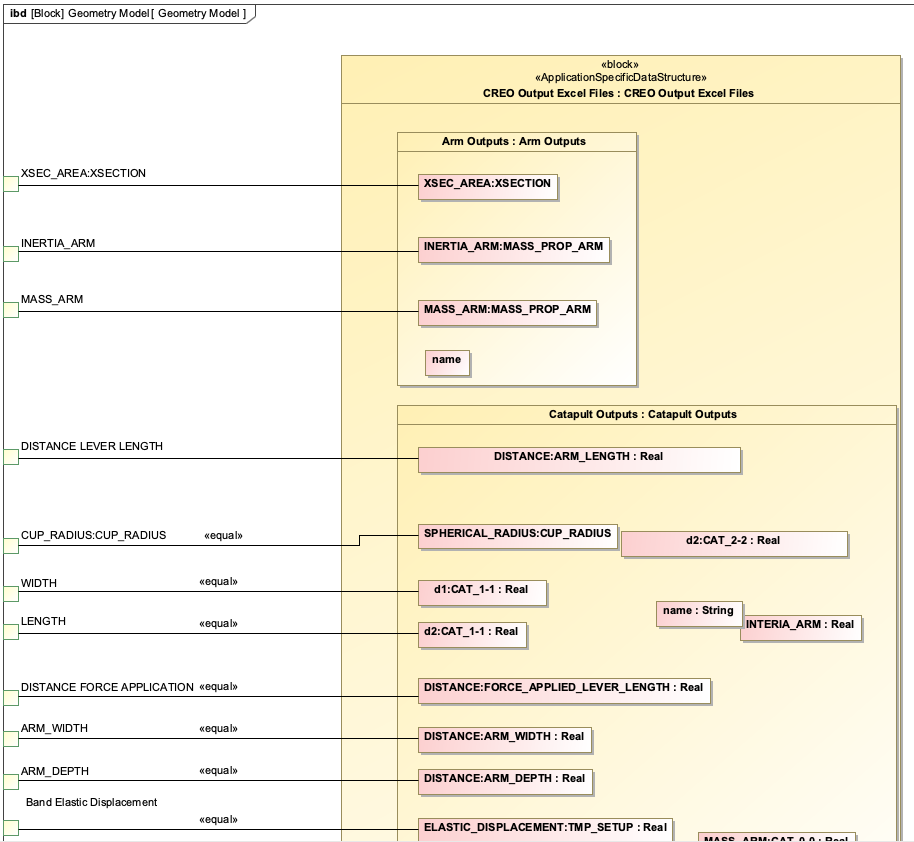
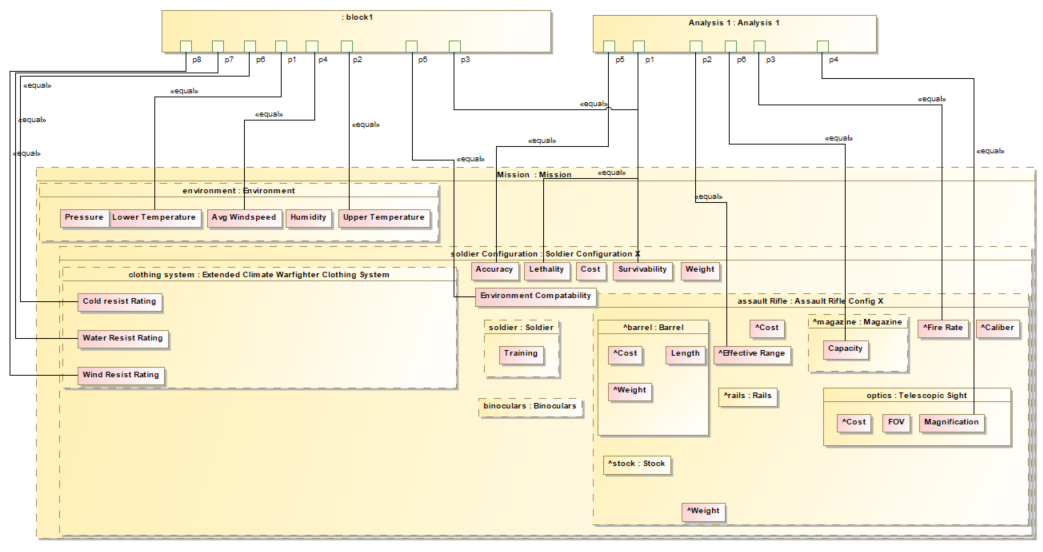
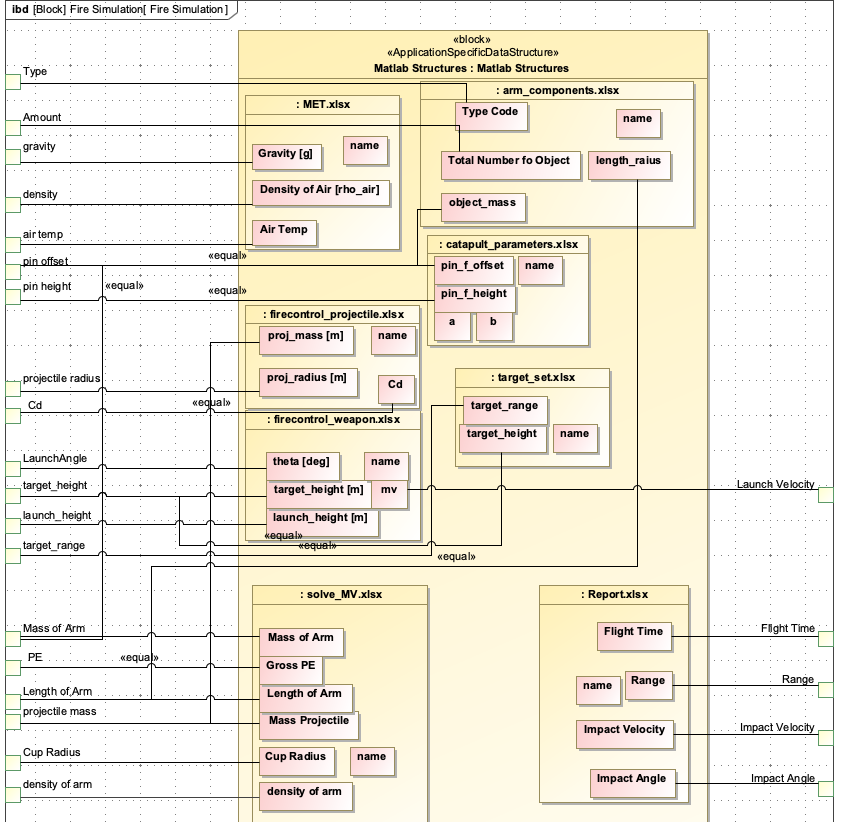
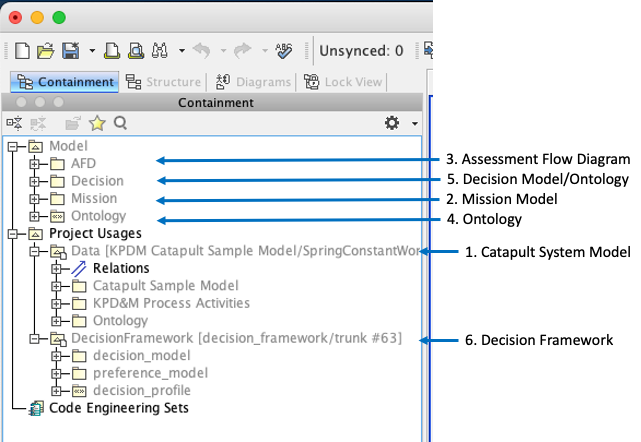
The Specified Model Interface is specified using a Model Interface Specification Diagram (MISD), a SysML parametric diagram that packages individual parameters associated with the system under analysis or design and exposes them to external tools. This approach allows external tools to read and write to the ontology-aligned data without being fully aware of the ontologies at the root of the Authoritative Source of Truth (AST).
| The Specified Model Interface is a key component of the IoIF (Armaments Interoperability and Integration Framework), which implements the DEFII framework for digital engineering workflows. |
Position in Knowledge Hierarchy
Broader concepts: - Model Interface (is-a)
Details
The Specified Model Interface is designed to enable interoperability between different tools and systems by providing a standardized way to access ontology-aligned data. It works by:
-
Starting with ontology-aligned data
-
Packaging relevant elements into a standard format (CSV, JSON, etc.)
-
Exposing this packaged data to external tools
This interface type is particularly useful for: - Tools that don’t have built-in support for ontologies or semantic web technologies - Situations where data needs to be shared in a standard format - Providing a consistent interface to multiple tools without requiring each tool to understand the ontology
The Specified Model Interface is implemented using a Model Interface Specification Diagram (MISD), which is a SysML parametric diagram. The MISD defines the parameters that are exposed through the interface and how they relate to the ontology-aligned data.
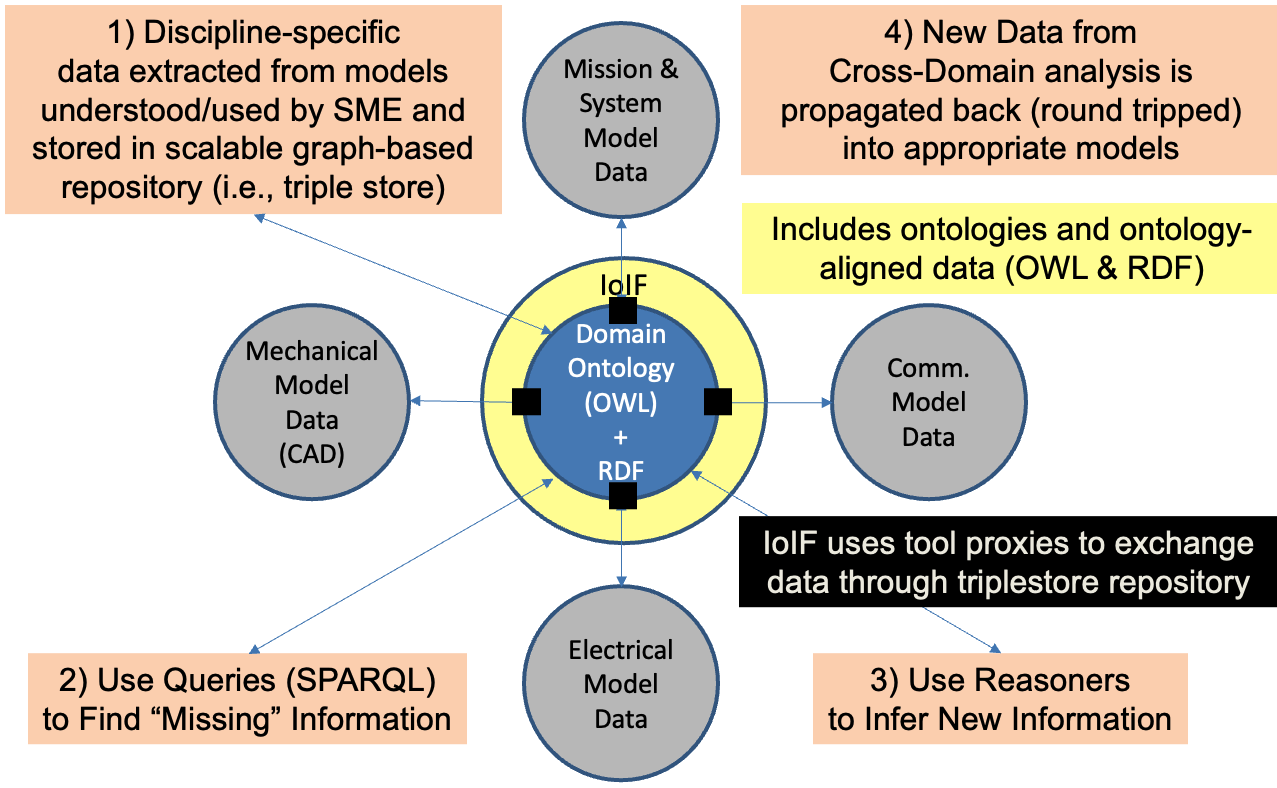
| The Specified Model Interface is part of the DEFII framework, which is implemented in the IoIF (Armaments Interoperability and Integration Framework). IoIF uses the Specified Model Interface to coordinate data exchanges between different modeling and simulation tools. |
| When implementing the Specified Model Interface, it’s crucial to ensure that the MISD accurately reflects the parameters that need to be exposed to external tools. Inaccurate MISD definitions can lead to data inconsistencies or missing parameters in the workflow. |
The following table summarizes the key differences between the three interface types in the DEFII framework:
Interface Type |
Starting Point |
Data Flow |
Specified Model Interface |
Ontology-aligned data |
Ontology → Standard Format → Tool |
Mapping Interface |
Tool/model |
Tool/model → Ontology |
Direct Interface |
SWT stack |
SWT → Tool |
Practical applications and examples
The Specified Model Interface is used in the IoIF workflow to enable data exchange between different tools and the ontology-aligned repository. Here’s a step-by-step example of how it works in a typical IoIF workflow:
-
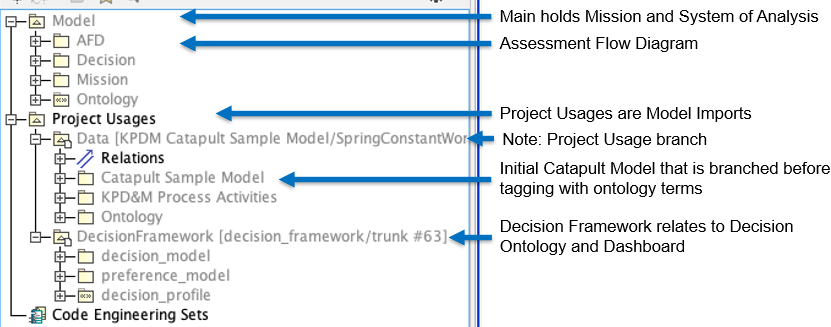
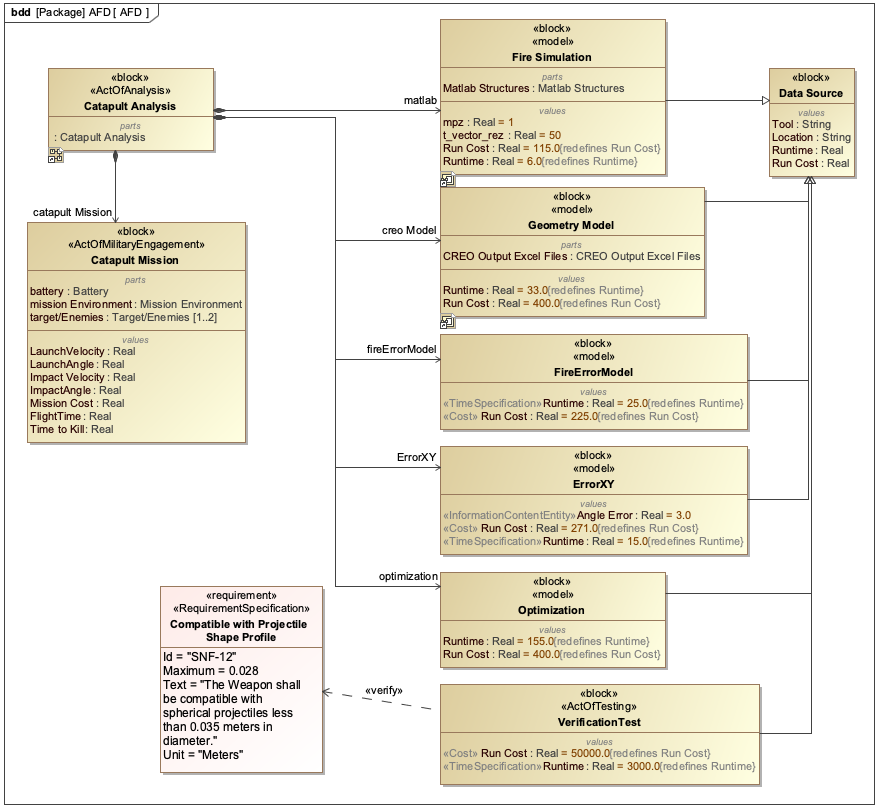
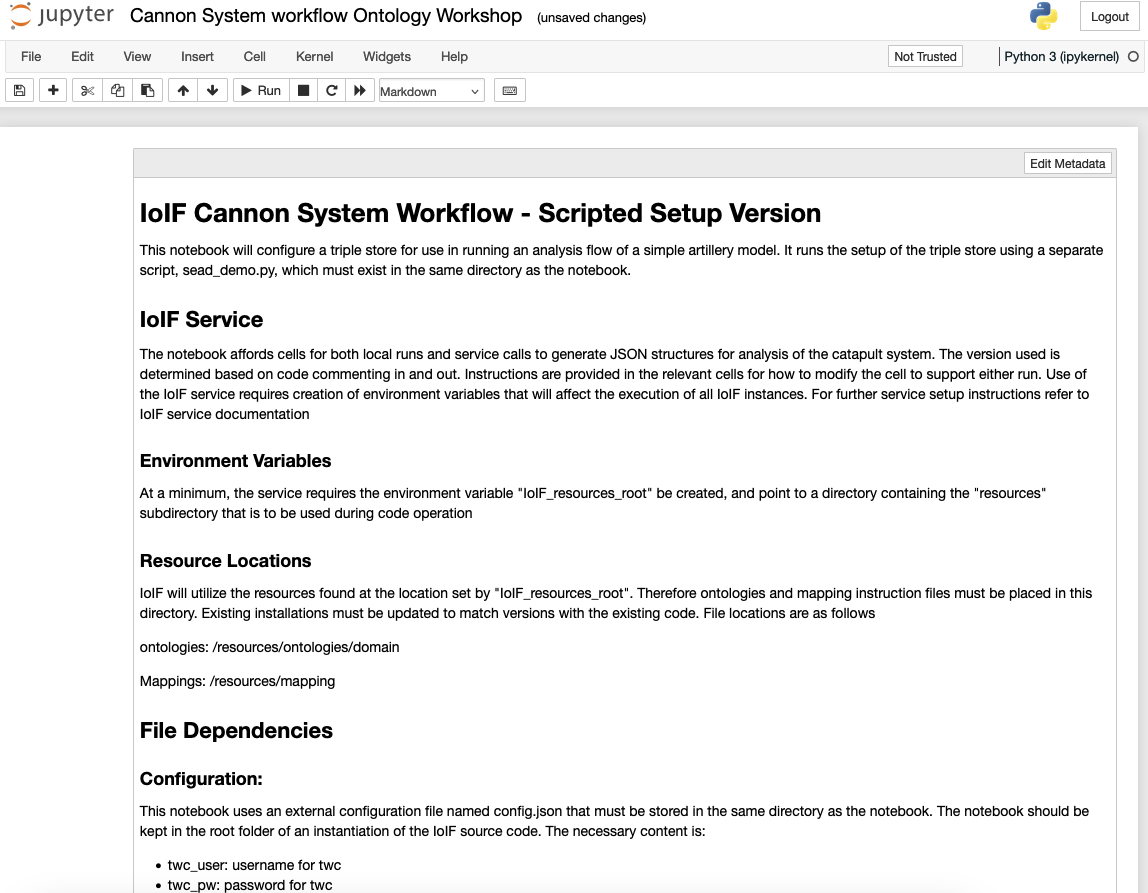
The workflow is initialized with a REST GET request from the Teamwork Cloud (TWC), which pulls the SysML model containing the AFD (Assessment Flow Diagram) that configures IoIF.
-
The workflow uses the MISD (Model Interface Specification Diagram) to identify which parameters need to be exposed to external tools.
-
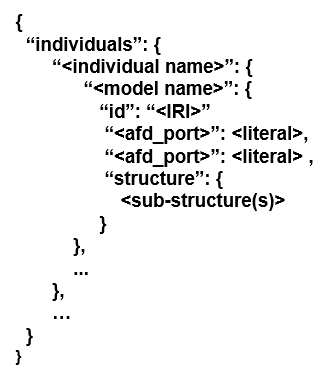
The Specified Model Interface packages these parameters into a standard format (e.g., JSON or CSV).
-
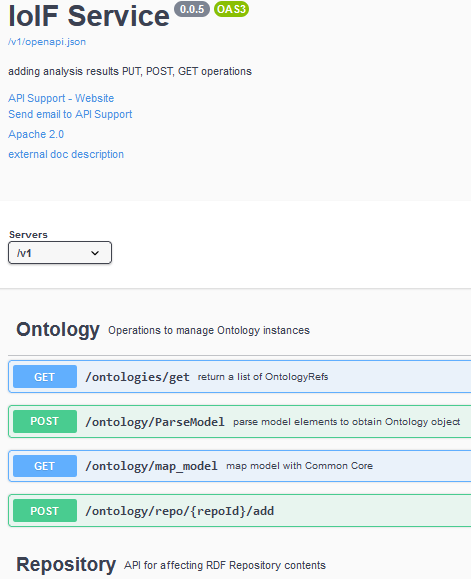
External tools (e.g., MATLAB, Python scripts) use REST API calls to retrieve the data from the Specified Model Interface.
-
The external tools perform their analysis or simulation using the data.
-
The results are sent back to the Specified Model Interface using a REST PUT request.
-
The data is stored in the ontology-aligned repository, which can then be visualized in dashboards like the Decision Dashboard or Digital Thread Impact Analysis dashboard.
Here’s a Python example showing how a tool might interact with the Specified Model Interface:
import requests

= Initialize the workflow
url = "http://ioif-service/api/specified-model-interface"
params = {
    "repository": "catapult-workflow",
    "instance": "analysis-as-designed",
    "interface": "ballistics-analysis"
}

= Get data from the Specified Model Interface
response = requests.get(url, params=params)
if response.status_code == 200:
    data = response.json()
    # Process the data for ballistics simulation
    # ...

    # After simulation, send results back
    results = {
        "range": 1250.5,
        "accuracy": 0.95,
        "impact_velocity": 250.3
    }
    response = requests.put(url, json=results)
    if response.status_code == 200:
        print("Results successfully sent back to IoIF")
    else:
        print(f"Error sending results: {response.text}")
else:
print(f"Error retrieving data: {response.text}")| When implementing the Specified Model Interface, use clear and descriptive names for your parameters to ensure readability and maintainability. This makes it easier for different teams to understand and use the interface. |
| The IoIF workflow uses the Specified Model Interface to coordinate data exchanges between different tools, as shown in Figure 9 of the context. This enables a seamless flow of data between the ontology-aligned repository and the various analysis tools. |
Related wiki pages
References
Knowledge Graph
Associated Diagrams